

Maya Re-Exporter


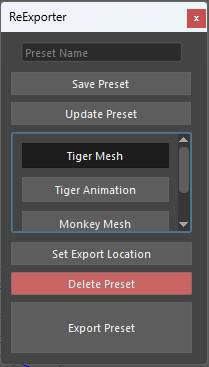
-Set up presets that keep track of export settings, location, selected objects, and file name.
- Once set up, simply selecting a preset and clicking "Export Preset" will update the previously exported fbx

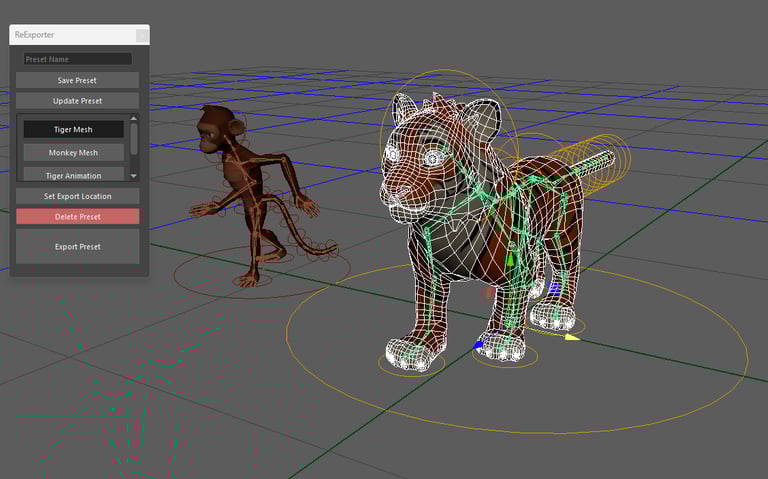
Presets store which objects to export so anybody can make changes to the mesh and just export it to see how it looks in engine.


How to Install
- Navigate to your Maya scripts directory
- PC: C:/Documents/maya/(version)/scripts
- Unzip the contents of "_ReExporter.zip" to that folder
- Such that there is a _ReExporter folder containing the files